
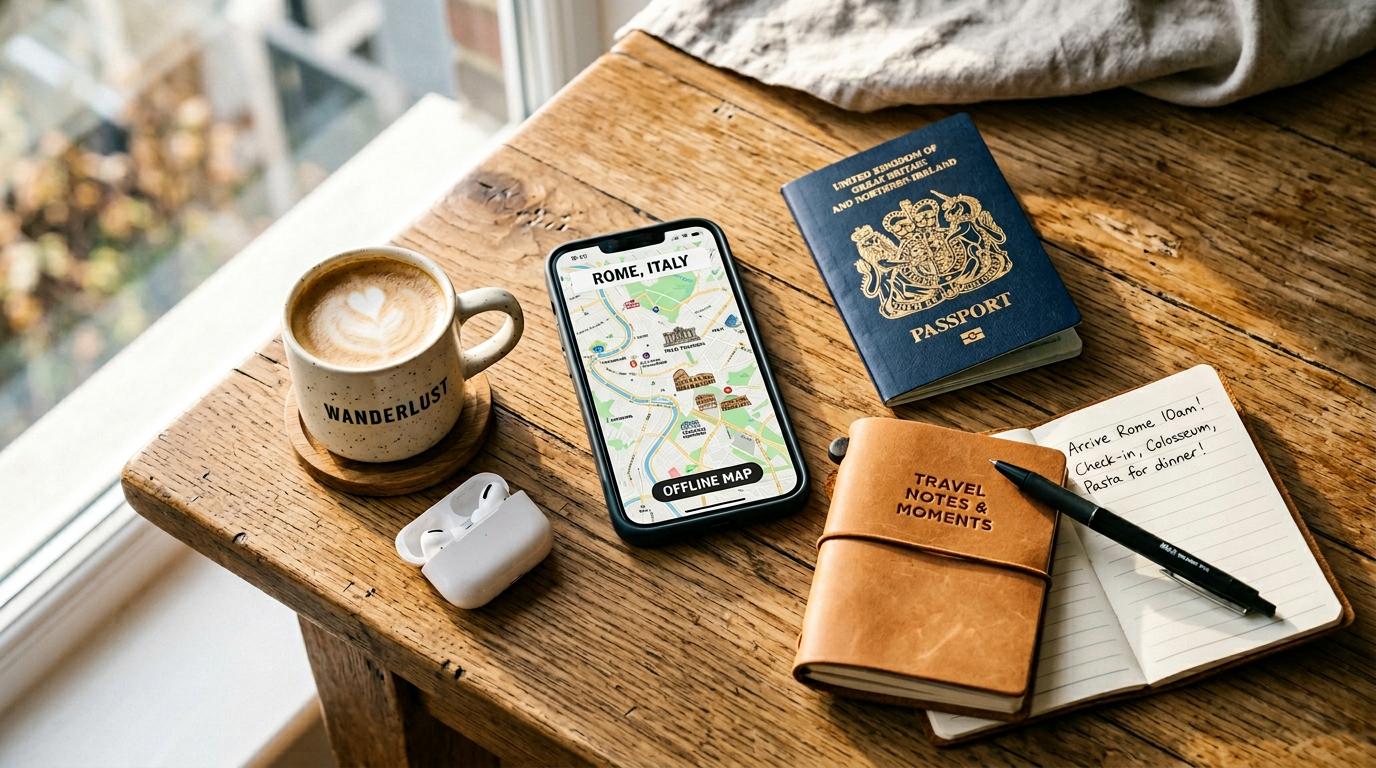
The best part of a trip usually isn’t spending three nights comparing hotel tabs or trying to figure out whether a museum is on the same side of town as your dinner reservation. That’s where artificial intelligence can actually earn its keep. In 2026, AI travel tools can help organize a complicated itinerary, compare real travel options, find nearby attractions, and suggest a backup plan when the weather refuses to cooperate.
Some of the biggest changes are coming from familiar names. Google’s AI tools can combine travel searches with maps and trip planning, while KAYAK lets users ask conversational questions alongside live prices. Chatbots are also useful for brainstorming a road trip around Washington and Oregon, building packing lists, and keeping a group vacation from turning into an argument over the schedule.
But there’s an important catch: not every AI tool has access to current prices, business hours, or travel alerts, and none should be treated as infallible. Seattle Travel looked at the latest official product announcements and consumer guidance to sort out what these tools can do, where they’re genuinely helpful, and what you should still double-check yourself.
What an AI Travel Itinerary Can Actually Do

©"Tourist reading a map" by pedrosimoes7 is licensed under BY 2.0. - Original / License
Give an AI planner your dates, budget, travel style, and a few must-see stops, and it can turn a pile of ideas into something that resembles an actual vacation. That might mean grouping Seattle attractions by neighborhood, leaving room for a ferry ride, or building an Olympic Peninsula road trip around shorter hikes and rainy-day alternatives. General chatbots can draft these plans, while travel-focused tools may also pull in maps, hotel listings, and other current information. The trick is being specific. Tell it who is traveling, how far you’re willing to walk, whether you’ll have a car, and how much downtime you want. Then treat the result as a working itinerary, not a guaranteed schedule. Opening hours, drive times, reservation requirements, and seasonal closures still need a second look.
Choosing the Right AI Trip Planner

©"Bright similarity: Stylish blonde woman tourist in a large straw hat, wearing a heavy gold link chain, silk dress, straw bag, guerrilla wall art of a business man with a brief case, Historical district, Mazatlan, Mexico" by Wonderlane is licensed under CC0 1.0. - Original / License
Not all AI trip planners do the same job. ChatGPT can be useful for brainstorming destinations, comparing neighborhoods, and organizing the details you provide. Google’s AI Mode in Search offers a Canvas travel planner that brings together itinerary ideas with information from Search and Maps. KAYAK’s Ask AI takes a different approach, showing live flight, hotel, and rental-car search results alongside the conversation. That’s especially handy when you’re ready to compare actual options rather than dream up a getaway. Before settling on a service, see whether it can cite current information, display map routes, save or share your plan, and show a real booking provider. Availability can vary by device, country, and account. There’s no reason to trust one tool with every part of the trip.
Make the Itinerary Fit Your Travel Style

©"Chicago Airport - ND0_5469" by Nicola since 1972 is licensed under BY 2.0. - Original / License
The smartest travel plan isn’t necessarily the one that squeezes in the most attractions. It’s the one you can actually enjoy. Tell an AI planner whether you’re traveling with children, need step-free access, prefer quiet mornings, or would rather spend two hours in a museum than race through five landmarks. You can also explain what you dislike: packed tour groups, long drives, expensive restaurants, or walking ten miles before dinner. Ask it to build in breaks and arrange stops geographically instead of zigzagging across town. Some services can use connected preferences or past travel information when you permit it, but you don’t need to share personal accounts to get useful suggestions. A detailed prompt often works just as well. Review the final pacing yourself, especially when ferry schedules, hills, or mobility needs matter.
Use AI to Compare Travel Costs

©"Streets of Paris" by Shaun Garrity is licensed under BY 2.0. - Original / License
AI can help you spot ways to cut costs, but it isn’t a magical bargain detector. Try asking for flights from multiple nearby airports, cheaper travel dates, hotels outside the tourist core, or a vacation built around free museums and public parks. KAYAK’s Ask AI can pair a conversational search with current bookable results, while Google Search’s AI Mode supports flight-price tracking and, with participating partners, some points-and-miles comparisons. Those are more useful than a chatbot guessing what a ticket should cost. Always look at the total: baggage charges, parking, resort fees, transit expenses, and cancellation terms can erase a seemingly great deal. Prices change quickly, and an attractive itinerary doesn’t mean a room or seat is still available. Confirm the final amount on the booking page before paying.
Let AI Help Map Out Your Route

©Alexander Lukatskiy/Shutterstock.com
A good itinerary is useless if it sends you back and forth across the city all afternoon. Ask AI to group attractions by area, estimate travel time, and suggest a logical stop order before you head out. Google Maps’ Ask Maps expanded in November 2026 to create day-by-day itineraries with numbered pins, mapped stops, and route details in supported locations. That makes it particularly useful for a Pacific Northwest road trip with scenic detours, lunch stops, and overnight breaks. Still, don’t confuse a written AI route with live turn-by-turn navigation. Confirm the directions in a mapping app, especially when you’re dealing with mountain passes, ferries, seasonal roads, or unfamiliar transit systems. Traffic, weather, and road closures can change the best route after the plan is made.
Find Restaurants and Local Experiences

©"京王線 #東京 #Tokyo #Japan #train" by naitwo2 is licensed under BY 2.0. - Original / License
A generic list of a destination’s top attractions is easy to find. AI is more useful when you ask narrower questions, such as where to get breakfast near the Seattle waterfront before a ferry, which Portland neighborhoods have walkable bookstores, or what to do on a wet afternoon in Tacoma. Tools that consult maps, reviews, and current search results can help narrow the choices. Some also surface restaurant booking availability through participating services. But don’t assume a recommendation is a true local secret, or even that the business is open today. Reviews can be dated, hours can change, and an AI-generated description may overlook important details. Check the restaurant’s current menu, address, hours, and reservation rules before heading across town. The same goes for tours, parks, and attractions that operate seasonally.
Use Crowd Information, but Know Its Limits

©blvdone/Shutterstock.com
Nobody wants to spend half a vacation standing in a line. AI can help you work out a more sensible visit order, suggest alternatives to heavily visited spots, and compare weekdays with weekends. For actual crowd information, Google Maps offers popular-times and, for some businesses, live busyness estimates based on aggregated, anonymized visit data. That information isn’t available everywhere, and it isn’t a promise that an attraction will be quiet when you arrive. A chatbot without a live data source can’t reliably forecast the wait at a museum or viewpoint. For popular destinations, check official timed-entry reservations, event calendars, park alerts, and recent conditions. And keep a backup stop in mind. If the main attraction is packed, the day doesn’t have to be a total loss.
Get the Whole Group on the Same Page

©DavideAngelini/Shutterstock.com
Planning a trip with friends or family can feel like a committee meeting nobody asked for. One person wants hiking, someone else wants shopping, and another just wants a decent place to eat. An AI assistant can turn those competing priorities into two or three realistic options, complete with travel times and a rough budget. Instead of using the outdated KAYAK Trip Huddle example, travelers can share and collaborate on itineraries through KAYAK Trips; its Ask AI chats can also be shared as read-only links. Google’s travel-planning Canvas offers sharing options, too. The important part is getting everyone’s actual input first. Ask the group to agree on must-dos, hard no’s, spending limits, and downtime. AI can organize the choices, but it can’t decide what will make every traveler happy.
Build Packing Lists Around the Weather

©justoomm/Shutterstock.com
A packing list is one of the simplest places to put AI to work. Instead of searching for a generic checklist, describe where you’re going, when you’re leaving, and the activities you have planned. A fall trip to the Olympic Coast calls for different clothes than a summer weekend in Bend, and a city break needs different gear than a mountain hike. Ask for a list split into essentials, weather-specific items, and things you can probably leave at home. If the tool can consult a recent forecast, it may help tailor the suggestions, but that doesn’t mean it will monitor every weather alert automatically. Check an official forecast again shortly before departure, especially for snow, storms, heat, or wildfire smoke. And remember that medications, identification, and required equipment deserve your own careful checklist.
Ask Questions While You Travel

©"New York City Christmas" by Robert Swier is licensed under BY 2.0. - Original / License
AI doesn’t have to stop helping once you’ve checked into the hotel. A phone-based assistant can help you interpret a transit sign, compare nearby attractions, explain a local custom, or put together an alternative plan when everyone is tired of walking. If the service has current search or map access, you may also be able to check businesses and directions without opening half a dozen tabs. That said, availability depends on your connection, permissions, and the particular tool you’re using. Don’t rely on a chatbot alone for an emergency, a legal requirement, or an unfamiliar wilderness route. Follow official signs and guidance, keep essential reservations accessible offline, and download maps when possible. AI is a useful second set of hands, not a replacement for the people and services responsible for your safety.
Rework Your Plans When Travel Goes Sideways

©"London Train Station" by Onofre_Bouvila. is licensed under BY 2.5. - Original / License
Flights get delayed. Trains stop running. Ferry sailings are canceled. Sometimes the weather simply ruins the hike you’ve been planning for months. AI can help you recover by rearranging a day, suggesting indoor alternatives, or identifying a more practical route between the places you still want to visit. Give it the updated time, location, transportation options, and any reservations you can’t move. Then ask for a realistic Plan B rather than trying to cram the original itinerary into fewer hours. Some travel platforms can pull live schedules, but a general chatbot may not know about the latest disruption. Check the airline, transit operator, or attraction directly before you change anything. An AI-generated backup plan is helpful; an automatically rebooked ticket is an entirely different service.
Use AI Translation to Get Around More Easily

©Artem Kontratiev/Shutterstock.com
Language tools have become much more useful for travelers who don’t speak the local language. Google Translate’s 2026 updates introduced more natural live speech translation across dozens of languages, making it easier to follow a tour, understand an announcement, or handle a simple conversation. AI can also help explain signs, menus, and unfamiliar expressions when a word-for-word translation makes no sense. Even so, these tools can miss slang, regional dialects, background noise, and important context. Don’t rely on a machine translation alone for medical instructions, legal documents, allergies, or anything where a mistake could be serious. Check whether the language and live features are supported on your device, and plan for patchy mobile service. A little patience and a polite attempt at the local language still go a long way.
Double-Check What AI Gets Wrong

©PeopleImages.com - Yuri A / Shutterstock.com
Here’s the part that often gets lost in the excitement: AI can sound completely certain while giving you the wrong answer. It may suggest a restaurant that’s closed, invent a tour time, underestimate the drive between two destinations, or misunderstand entry requirements. Even tools with access to live information can misread a listing or miss a last-minute change. Before spending money, verify flight schedules, total prices, cancellation rules, accessibility details, and reservation times with the provider. For passports, visas, park closures, safety advisories, and transportation disruptions, use the relevant official authority. Avoid uploading sensitive travel documents or payment details to an unfamiliar planning service. Think of AI as the person helping you draft the itinerary, not the final authority approving it.
Where AI Travel Planning Goes Next

©"Baggage claim carousels at Harry Reid International Airport in Las Vegas, Nevada" by Harrison Keely is licensed under BY 4.0. - Original / License
AI travel tools are moving beyond simple destination suggestions, but the experience still varies widely. In 2026, Google’s AI Mode added more flight and hotel shopping features, including hotel booking through participating partners in the United States, while KAYAK’s Ask AI began pairing conversational questions with live travel results. Google Maps can now build mapped itineraries and help with certain on-the-go decisions. These are real improvements, although not every feature is available to every traveler or market. The best approach is to use the technology for the tedious parts—brainstorming, comparing, organizing, and making a backup plan—while keeping control of purchases and major decisions. A vacation should feel less complicated, not like you’re handing the entire experience to an algorithm.

